


Geosnap

Sogelink’s photogrammetry solution covering the entire chain — from field acquisition (mobile via the Geosnap Mobile app, action camera such as GoPro/DJI, or drone) to cloud processing — for your topographic survey sites

Still weighing your options? Let’s talk
Talk to an expert to learn more about our solutions
Contact an expertCloud photogrammetry, accessible to everyone involved on site
Geosnap is the cloud photogrammetry solution developed by Sogelink: it turns your field images – street corridors with or without complementary investigations, trench as-built records, stockpile measurements, quarries or volume calculations – into usable, georeferenced 3D point clouds. This qualified data can then be put to use in Sogelink’s drawing tools (Land2Map Digit or TopoCalc Digit) to produce your topographic plans, as-built plans and complementary investigation reports.
Following the automated calculations, Geosnap lets you view the processed data: point clouds, orthophotos, DTMs, as well as a processing report that qualifies the accuracy of each acquired zone – a differentiating feature of the product. Discover the Sogelink solutions that directly use Geosnap deliverables in the Ecosystem section below.
Geosnap delivers georeferenced 3D data with centimetre-level accuracy, using photos taken in the field. These photos can come from different sources: mobile (via the Geosnap Mobile application), action camera (GoPro, DJI) or drone. A technician with no surveying specialism carries out the acquisition in the field. Georeferencing can then be performed in three ways: directly in the field via a GNSS antenna – which is what the Geosnap Kit allows for mobile acquisitions –, automatically from targets placed on the ground and measured with GNSS, or manually by the surveyor from the web interface using an intermediate point cloud.
Thanks to its SaaS architecture, Geosnap processes your data 24/7 from a simple web browser. An internet connection is all you need. No software installation is required.
Three complementary building blocks
- Geosnap: the SaaS platform that automatically turns your images — captured via an Android smartphone (Geosnap Mobile), action camera (GoPro, DJI) or drone — into georeferenced, usable data.
- Geosnap Mobile: the mobile field-capture application that makes it easy to capture images from an Android smartphone.
- Geosnap Kit: the turnkey field equipment (hardware, not software) designed to standardise and simplify directly geolocated field acquisitions, in combination with Geosnap Mobile.
Geosnap features
- Automatic configuration, adapted and optimised according to the acquisitions made
- Image viewing directly in the browser
- Launch of an automatic processing run with quality control of measurements and data
- Generation of georeferenced point clouds, orthophotos and Digital Terrain Models (DTM)
- Detailed processing report: acquisition quality, adjustment of survey methods, and qualification of the accuracy of the data produced
- Smart georeferencing: direct georeferencing via GNSS antenna during acquisition — images directly geolocated, notably with the Geosnap Kit —, automatic georeferencing via targets placed on the ground and measured with GNSS (target ↔ coordinates association performed automatically by cloud processing), or manual georeferencing from the web interface using an intermediate point cloud
- 3D visualisation and navigation in the Sogelink viewer
- Access to SaaS digitising for network connections, with export to RecoStar (GML) and DXF formats
- Centralised storage of all calculations on the web application and tracking of each processing step
- Upload and archiving of images on the web application, as well as of the generated results (point clouds, orthophotos, DTMs and processing report)
- Compatible with all types of equipment: DJI camera, GoPro, drone, Android smartphone (via the Geosnap Mobile application)
- Acquisition by a non-specialist technician, with direct (GNSS), automatic (ground targets) or manual (by the surveyor from the web interface) georeferencing — see the details of the 3 methods in the Photogrammetric processing tab
- Geosnap Mobile application: GPS location of sites, launch of the acquisition directly from the application, automatic camera control, with multiple alerts and indicators to ensure the field acquisition is carried out properly. Once pre-processing has been completed and validated, the photogrammetric calculation can be launched directly from the field, without going through the Geosnap SaaS interface or waiting to be back at the office
- Automatic pre-processing in under 10 minutes after the images are transferred: it confirms that a point cloud can be generated from the images acquired and can, for example, give the green light to backfill the trench
- Management of complex sites: as-built records spread over several days with daily backfilling of trenches
- Geosnap field kit (2025): new kit for surveyors and site managers, for greater autonomy and optimised accuracy
- Production of as-built plans of buried networks through photogrammetry
- Georeferenced orthophoto deliverable to clients and operators
- High point density on the works carried out
- Class A: the data produced by Geosnap meets the accuracy requirements of the DT-DICT regulations
- Compatible with Land2Map Digit or TopoCalc Digit for vectorising the 3D data produced by Geosnap processing
Why choose Geosnap?
-
Time savings and easy onboarding
Improve site productivity with innovative processing solutions. The site manager captures data in the field — no surveying skills required, thanks to the tutorials and instructions built into the application — while the surveyor processes it from the office, in parallel, in real time. No more repeated trips and surveys to redo.
-
Project management
Track your site missions from a single interface: topographic surveys, complementary investigations, as-built records. Manage complex sites with daily trench backfilling without losing data.
-
Data centralisation
View and store your project data and plans from a web browser. All your acquisitions, processing runs and deliverables are accessible in one place, 24/7. Sharing between teams is handled by Sogelink Connect.
The full Sogelink ecosystem around Geosnap
-
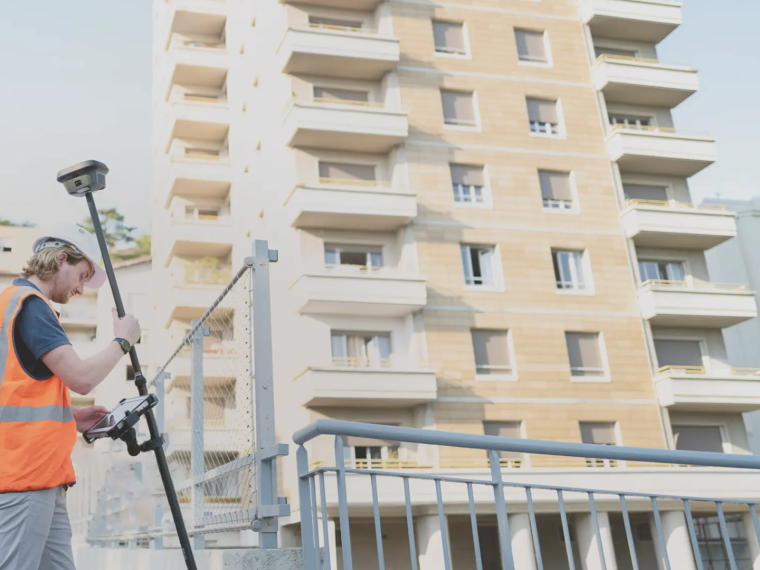 Find out more
 Land2Map
Touchscreen tablet surveying software that works natively in DWG format
- Contractor
- Design and Engineering Office
- Public authority
- Surveyor | Topographer
-
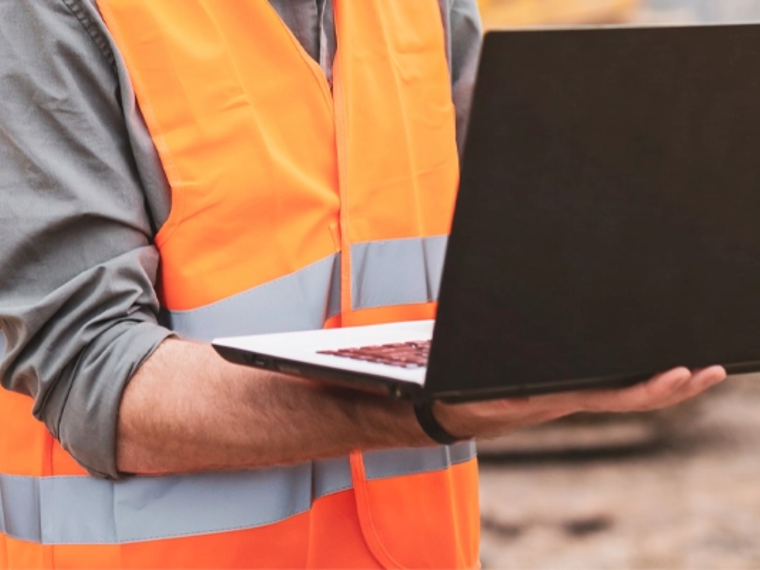 Find out more
 DICT.fr by Sogelink
The platform that makes your work near utility networks safer, from the initial declaration to the opening of the site
- Contractor
- Design and Engineering Office
- Public authority
- Surveyor | Topographer
-
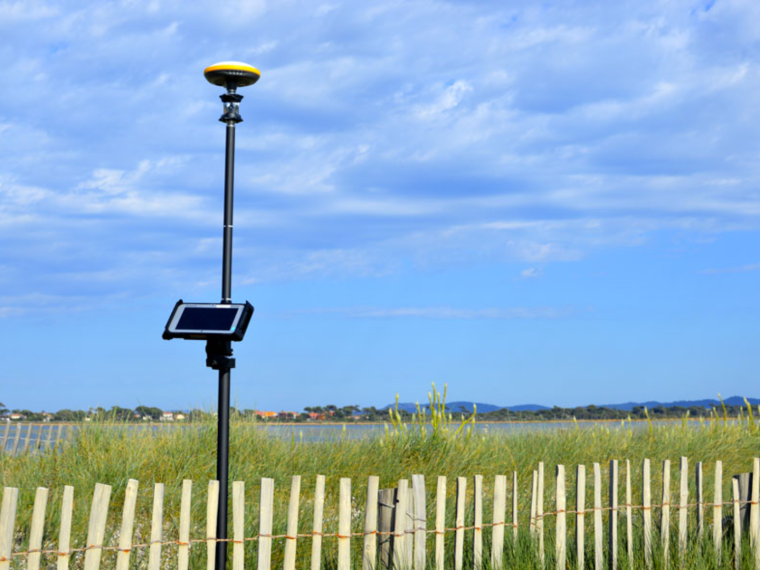 Find out more
 TopoCalc
Touchscreen tablet surveying software with its own independent graphics engine
- Contractor
- Design and Engineering Office
- Public authority
- Surveyor | Topographer
-
 Find out more
 Sogelink Connect
The cloud platform that interconnects your business solutions
- Contractor
- Design and Engineering Office
- Network operator
- Public authority
- Surveyor | Topographer
Would you like a demo or a quote?
Our experts are available to answer all your questions.